






















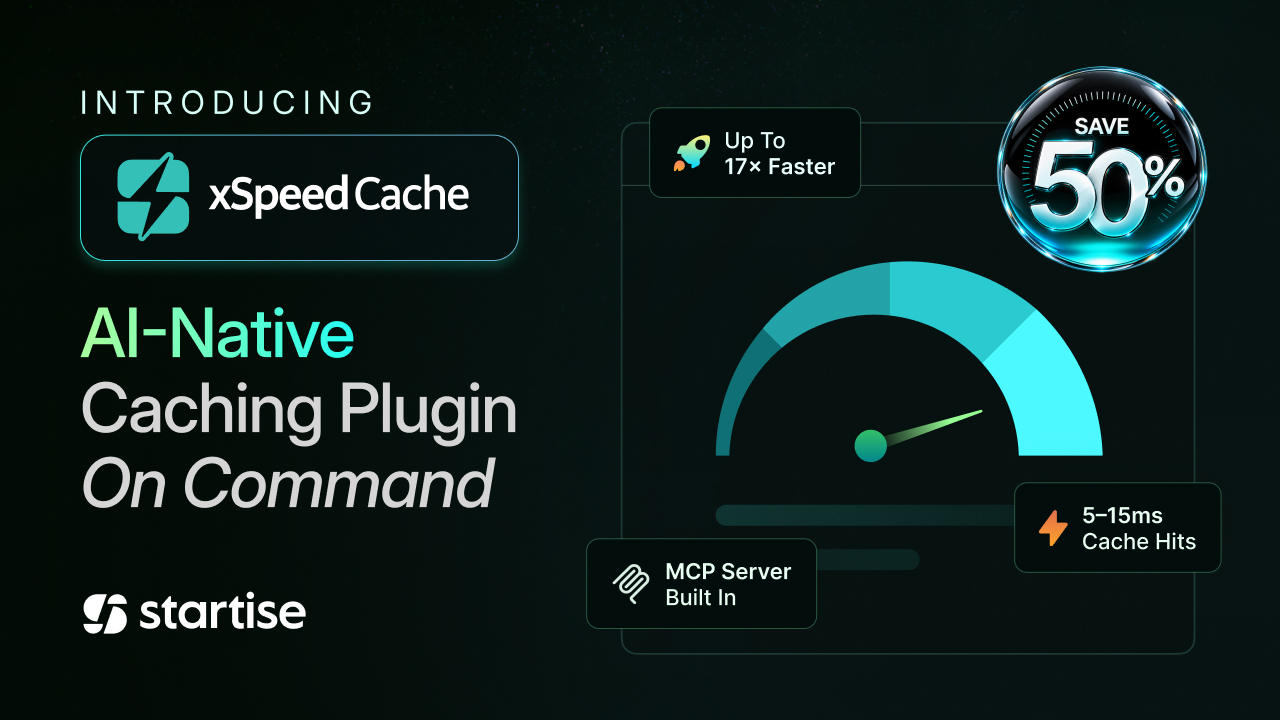
Today, we are proud to introduce xSpeed Cache, an AI-native WordPress caching and performance plugin built by WPDeveloper. It is here to make a genuinely fast website something every WordPress user can have. Because website speed should be a result you can achieve, not a technical skill you need to master.
For years, making a WordPress website fast has meant navigating a world of technical settings, configurations, and optimization choices. The tools existed, but using them well required expertise that most site owners never had time to develop. Instead of asking users to become performance experts, why not let technology handle the expertise?
That’s when, at WPDeveloper, we wanted to build a solution that’s as easy as installing a plugin, connecting it to your AI assistant, and then just saying, “Make my website fast.” And that’s it.
And with xSpeed Cache, that’s exactly what we have built.
It puts an AI assistant in charge of the hard parts, so improving your site becomes less about learning settings and more about asking for the result you want.
What Is xSpeed Cache?
xSpeed Cache is an all-in-one caching and performance suite for WordPress, built for the AI era. It brings page caching, minification, GZIP compression, lazy loading, font and browser optimization, object caching, CDN control, and database cleanup together in one unified dashboard, replacing a stack of separate plugins that used to overlap, conflict, and quietly slow one another down.
What sets it apart is not the length of that list. It is how you operate it. Every xSpeed Cache install ships with a built-in MCP server, which means an AI assistant such as Claude or ChatGPT can connect directly to your site and manage performance in plain language.
You describe what you want, such as “make my site faster” or “get my scores up,” and your assistant benchmarks the site, applies the right fixes, warms the cache, and re-tests to prove the change worked. There is no dashboard to memorize and no performance-engineering knowledge required.
The core toolkit is free forever. It is a complete suite rather than a trial, and it includes the MCP server from day one.
Why xSpeed Cache And AI-Native WordPress Performance Matter Right Now
WordPress powers more than 40% of every website on the internet, according to W3Techs, more than any other platform by a wide margin. Yet performance remains the place where a large share of those site owners get stuck. Speed is not a cosmetic detail either; research shared by Think with Google found that the probability of a visitor bouncing climbs steeply as pages slow down, rising 123% as load time increases from one second to ten. Slow sites lose people, rankings, and revenue.
Historically, closing that gap meant hiring a specialist or spending nights learning what render-blocking resources are. That barrier is exactly what has changed. People no longer only click through menus to get things done; they ask AI assistants for outcomes. xSpeed Cache is built from the ground up for that shift, turning site performance from a technical project into a conversation.
What Makes xSpeed Cache Different
xSpeed Cache is built around a single belief that getting a high-performing website should be as easy as asking for one. Three features make that possible.
The Static-First Page Caching
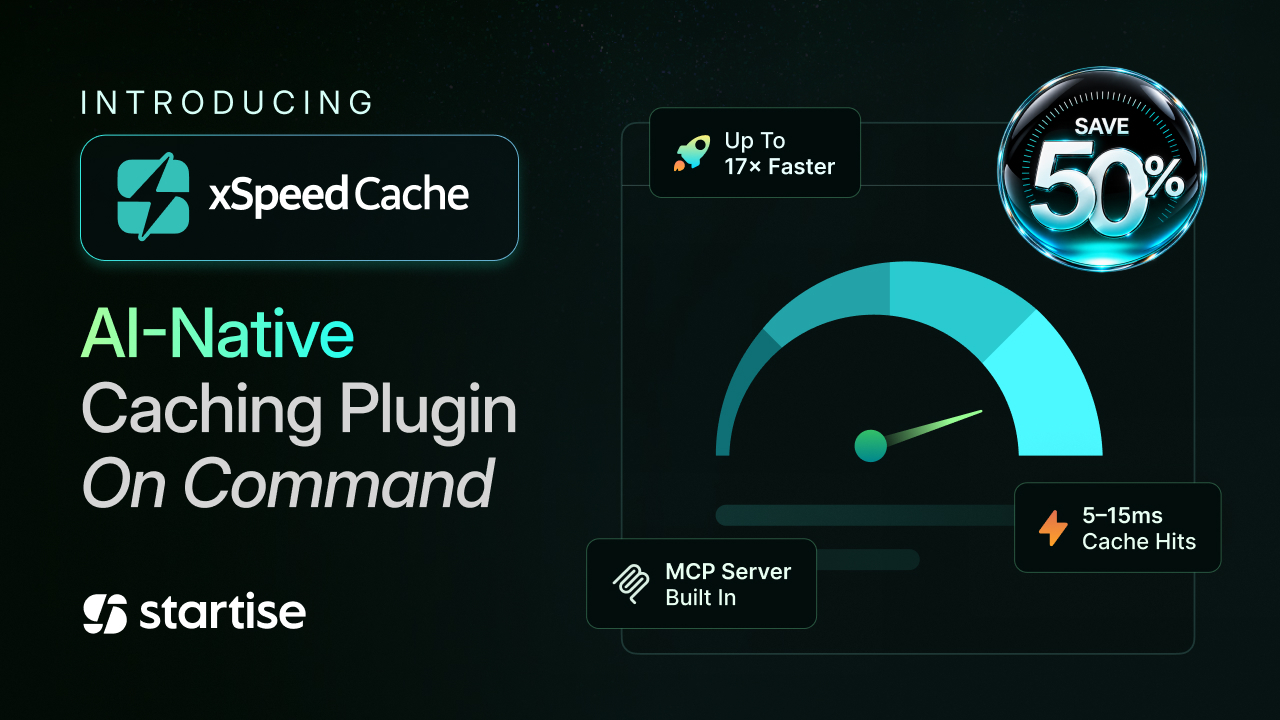
The engine under all of this is a static-first cache that makes the speed real. xSpeed Cache serves cached pages as static HTML before PHP and WordPress even load, with no database queries and no plugin chain, so cache hits land in the 5 to 15 millisecond range, up to 17 times faster than a typical PHP-served cache, automatically across Apache, Nginx, and LiteSpeed. That is the proof that makes the AI control worth having when you ask for a fast site; there is real speed waiting to be switched on. You can see the full breakdown on the xSpeed Cache features page.
The Built-In MCP Server: Performance on Command
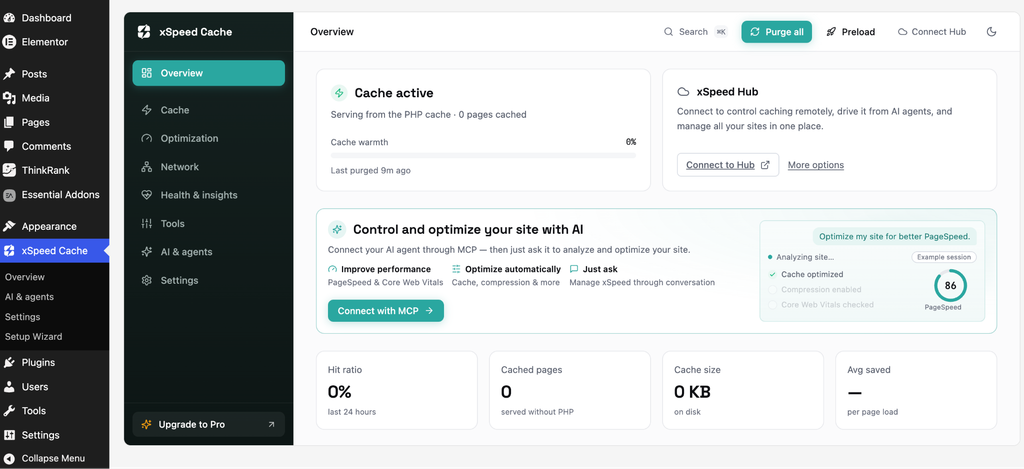
At the center of xSpeed Cache is its built-in MCP server, the feature that defines the product. It exposes your site’s performance to any MCP-compatible AI assistant. So instead of clicking through optimization panels, you hold a conversation.
MCP, the Model Context Protocol, is the open standard that lets an AI assistant talk directly to a tool, so you can connect the assistant you already use, Claude, ChatGPT, or any MCP-compatible client, with a single access token or a guided sign-in. And you can decide whether it may only read your site or also make changes.
Ask your assistant to check the site, and it will inspect the current state. Ask it to speed things up, and it tunes caching, minification, and asset delivery, then benchmarks the result and reports back. It reads your current state before it touches anything and warms the cache once it is done, so the very first visitor after a change still lands on a quick page, and the before-and-after benchmark means the improvement is measured rather than promised.
Every action is recorded in an activity log, so you always know exactly what changed. That log matters as soon as more than one person, or more than one assistant, has access, since you can see exactly what ran, when, and whether it altered anything. It turns performance tuning into something you delegate rather than something you study.
One Hub for Every Site You Run
For anyone who manages more than one website, xSpeed Hub is the standout. It lets you attach every site you run to a single free account and reach the whole fleet through one AI connection, from one centralized dashboard, with daily monitoring, teams and roles, and scoped credentials. It is one place to see and control performance across every site you own. No other product today pairs multi-site management with a native AI connection the way xSpeed Hub does, which makes this combination a genuine category of one.
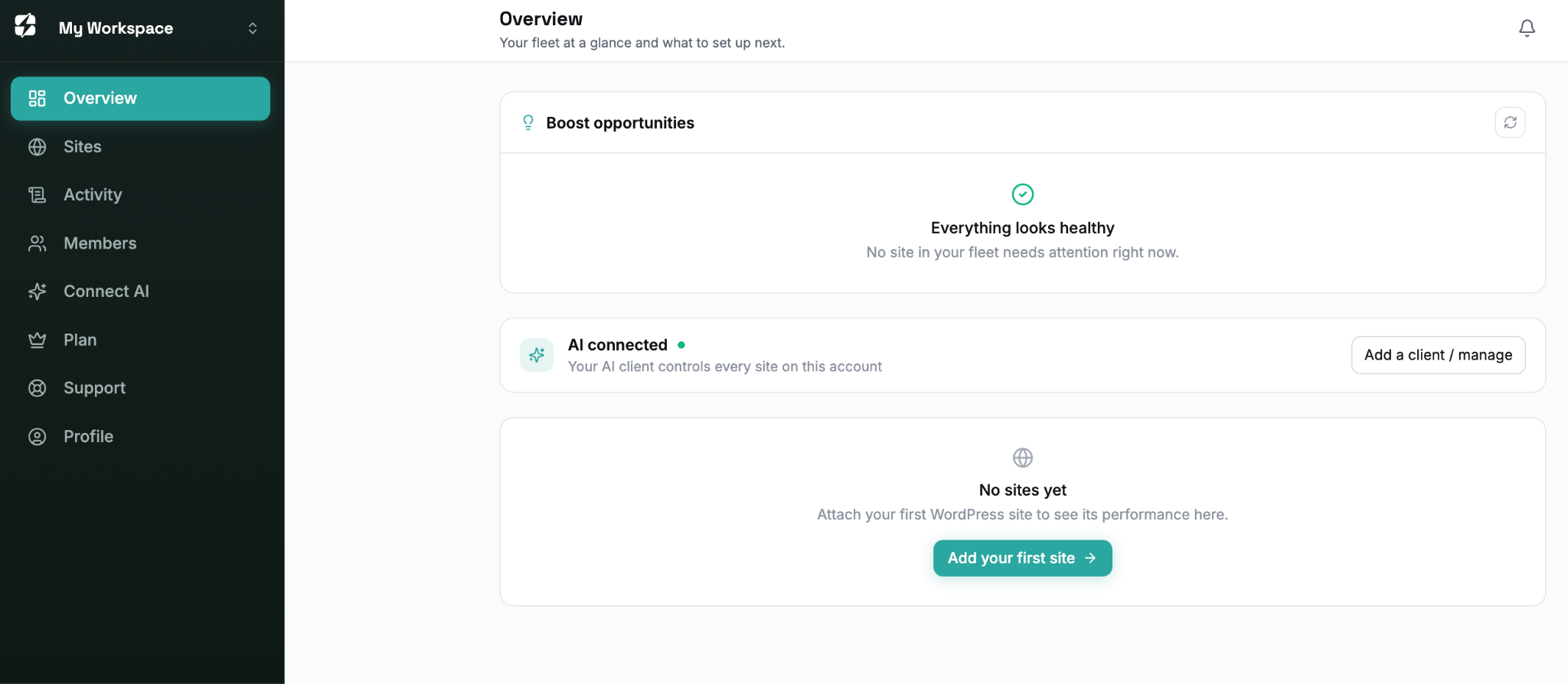
You can check this comparison page for more information. Compare xSpeed Cache to the other WordPress caching plugins most teams already know, and the fundamentals hold up: full-page caching, object cache, delayed JavaScript, Cloudflare auto-purge. Then look at what most of the field is still missing: a built-in MCP server, a centralized multi-site dashboard, AI-driven recommendations, and a per-URL hit/miss heatmap. Plans start at $29/year, a fraction of what many premium plugins charge for a single site.
Built for Every Kind of WordPress Site
xSpeed Cache is built to fit however you use WordPress. Bloggers and creators get a fast site without learning a new skill. Connect your AI assistant, and ask for speed instead of digging through settings panels. Agencies and freelancers get the bigger win. xSpeed Hub connects every site you manage to one AI connection, with a single dashboard, team roles, and scoped credentials, so a whole portfolio stays fast without logging into each site separately.
Ecommerce stores get speed without risking checkout. Product and category pages stay cached and fast, while cart, checkout, and account pages are automatically excluded. Developers get the control layer underneath the AI. A full WP-CLI command set, REST endpoints, hooks, and config-level setting pins mean performance can be scripted and enforced, not just clicked through.
Learn more about use cases of xSpeed Cache.
See Where Your Site Stands with xSpeed Scan
Before you install anything, you can find out exactly how your site is performing. xSpeed Scan is a free, standalone tool that needs no plugin and no signup: paste in a URL and in under a minute, around 40 seconds, it returns a score from 0 to 100 across four areas, Core Web Vitals, server and caching, asset optimization, and platform readiness. Instead of a vague grade, it names a specific fix for every failing check, and it produces a shareable report you can send to a client or a teammate.
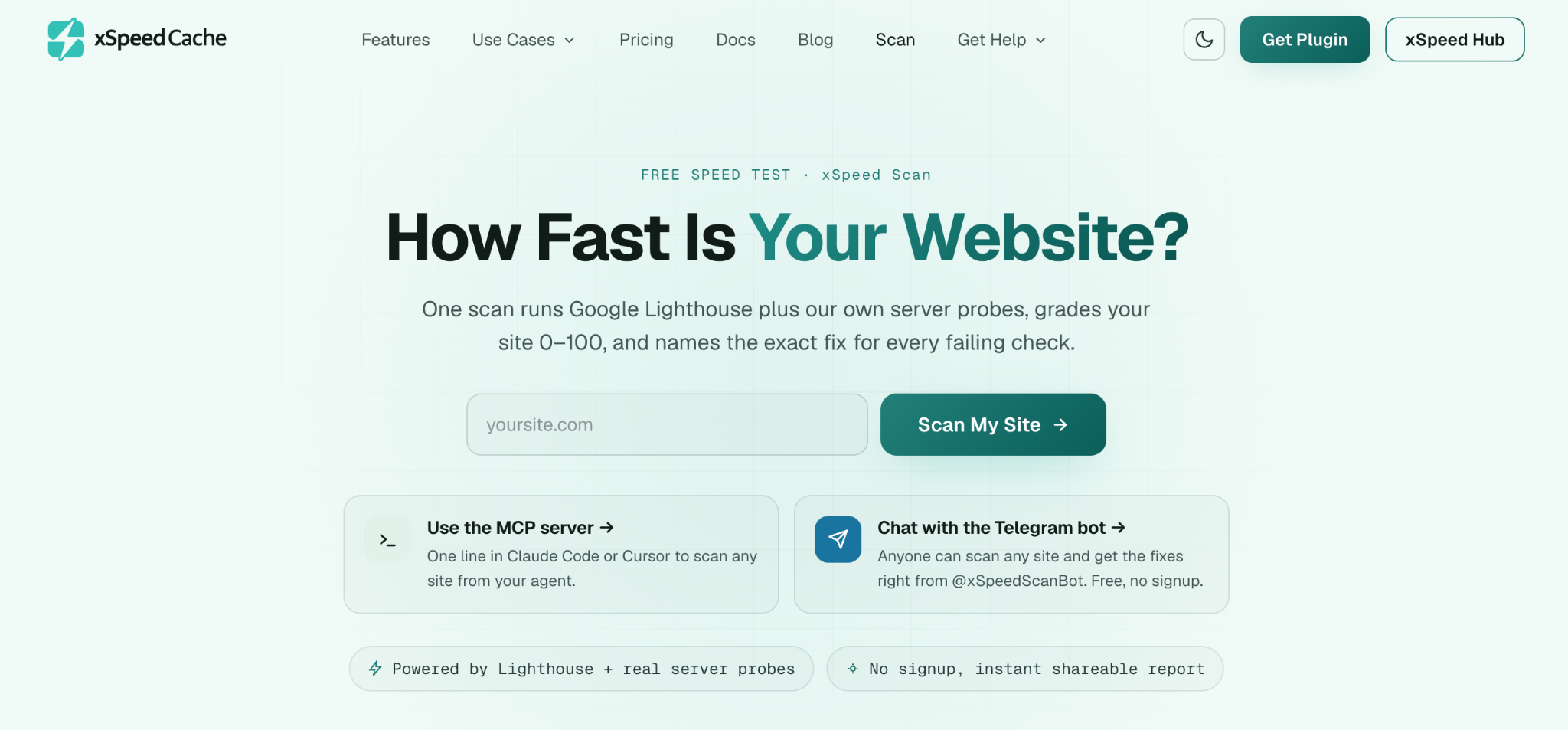
There is a bonus for sites already running xSpeed Cache with AI enabled: each failing check maps to the exact feature that resolves it, along with a copy-paste prompt for your connected AI assistant. It turns “here is what is wrong” into “here is the fix,” and closes the loop between knowing what is slow and actually making the site fast.
Built by WPDeveloper, Backed by the Startise Vision
At Startise, our focus has always been on building products that help people start, grow, and succeed online. As the parent company behind WPDeveloper and a broad family of brands, we already serve millions of users across the WordPress ecosystem.
xSpeed Cache is the newest milestone in that journey and one of the most forward-looking. It carries the same commitment that runs through everything at WPDeveloper. For example, powerful tools that stay genuinely easy to use, while opening a new chapter shaped by one of the biggest changes on the web today: the rise of AI-driven, agent-first workflows. For the whole Startise community, it is a clear signal of where we are headed next.
And xSpeed Cache isn’t the only new arrival. In recent times, we also launched ThinkRank, an AI-native SEO plugin. It also built on that agent-first idea to connect your AI assistant and it handles real-time SEO scoring, metadata, and schema markup, optimizing not just for Google but for how people now search through AI engines like ChatGPT and Gemini.
Put the two together, and the picture becomes clear. xSpeed Cache keeps a WordPress site fast, and ThinkRank keeps it visible and ranking well, in traditional search and in AI-generated answers alike. Between them, WPDeveloper now covers both halves of what makes a site succeed, speed and ranking, and lets an AI assistant run the whole stack, from server response time to search snippet, on command.
Grab 50% Off Launch Offer
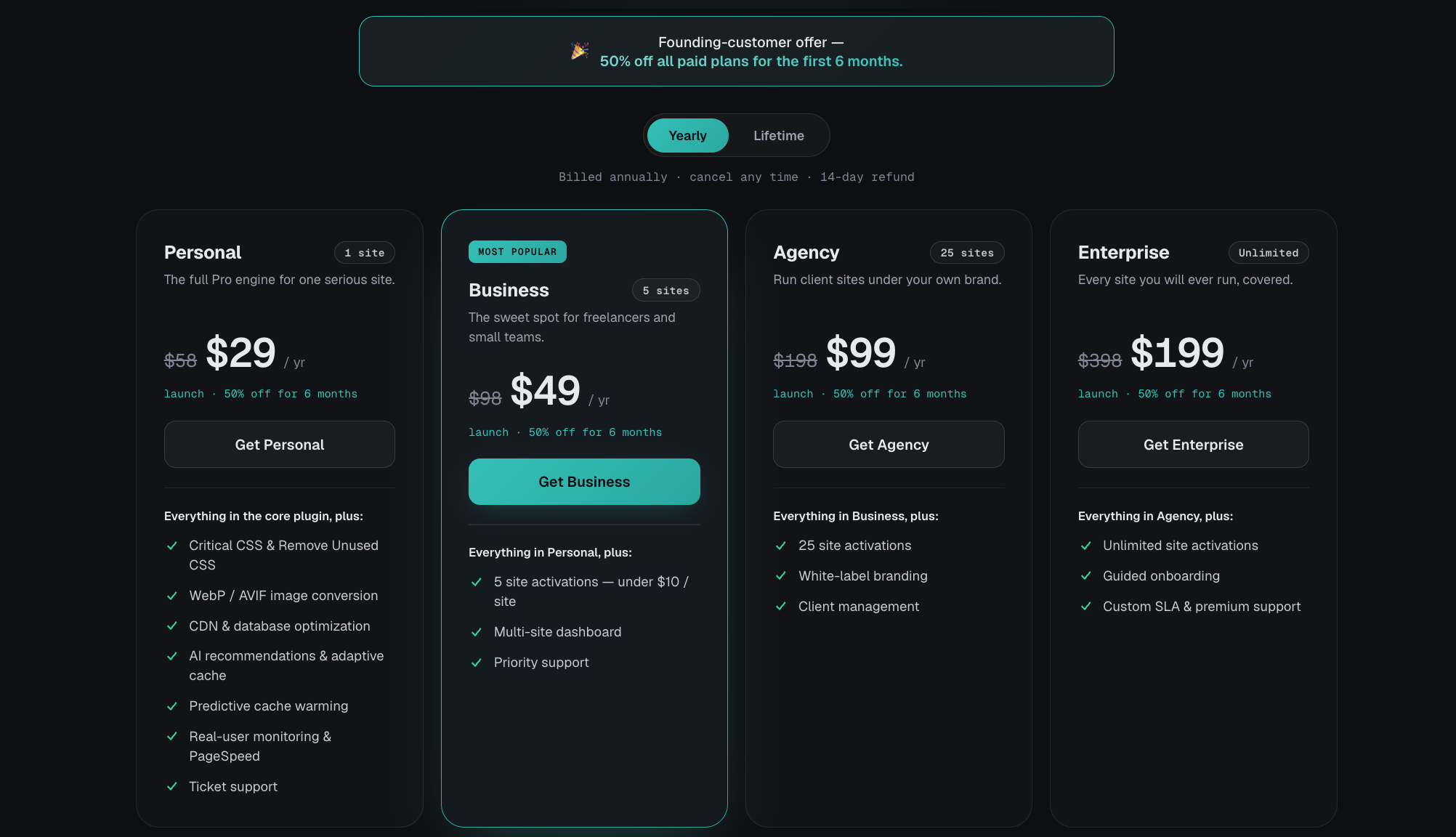
To mark the arrival of xSpeed Cache, we are giving the whole community 50% off every paid plan. It is the perfect moment to unlock the Pro intelligence layer, with founding-user pricing starting at just $29 per year, and the lifetime package starting at just $79 (one-time payment). Whether you run a single site or a growing portfolio, this launch offer is the smartest way to speed up WordPress, the most affordable one too. You can grab the deal and compare every plan on the xSpeed Cache pricing page.
Looking Ahead with xSpeed Cache
This is only the beginning. As AI keeps reshaping how people build and run websites, the distance between “I want a fast site” and actually having one should keep shrinking. That is the future. xSpeed Cache is built for performance that any WordPress user can reach and a whole portfolio of sites that a single AI connection can keep fast.
Enterprise-grade Cloudflare is next on the roadmap. It’s already proven on xCloud hosting, and it’s coming to xSpeed Cache: edge caching, APO, and instant global purge, managed right from the plugin or a one-line request to your AI assistant.
You can install the free plugin today from WordPress.org and connect it to your favorite AI assistant in minutes. We are proud to welcome xSpeed Cache into the Startise family, and we look forward to seeing the sites our community makes fast simply by asking. If you have ever wished WordPress performance were someone else’s job, now it can be.